Affiliate links are created from campaigns and assigned to affiliates. After an affiliate exists, their referral link appears in two places:
- The merchant dashboard, on the affiliate record under Links
- The affiliate portal, in the affiliate’s Promote section
Use this guide when you need to create a new link, share a public campaign signup link, send an invite, or help an affiliate find the link they should share.
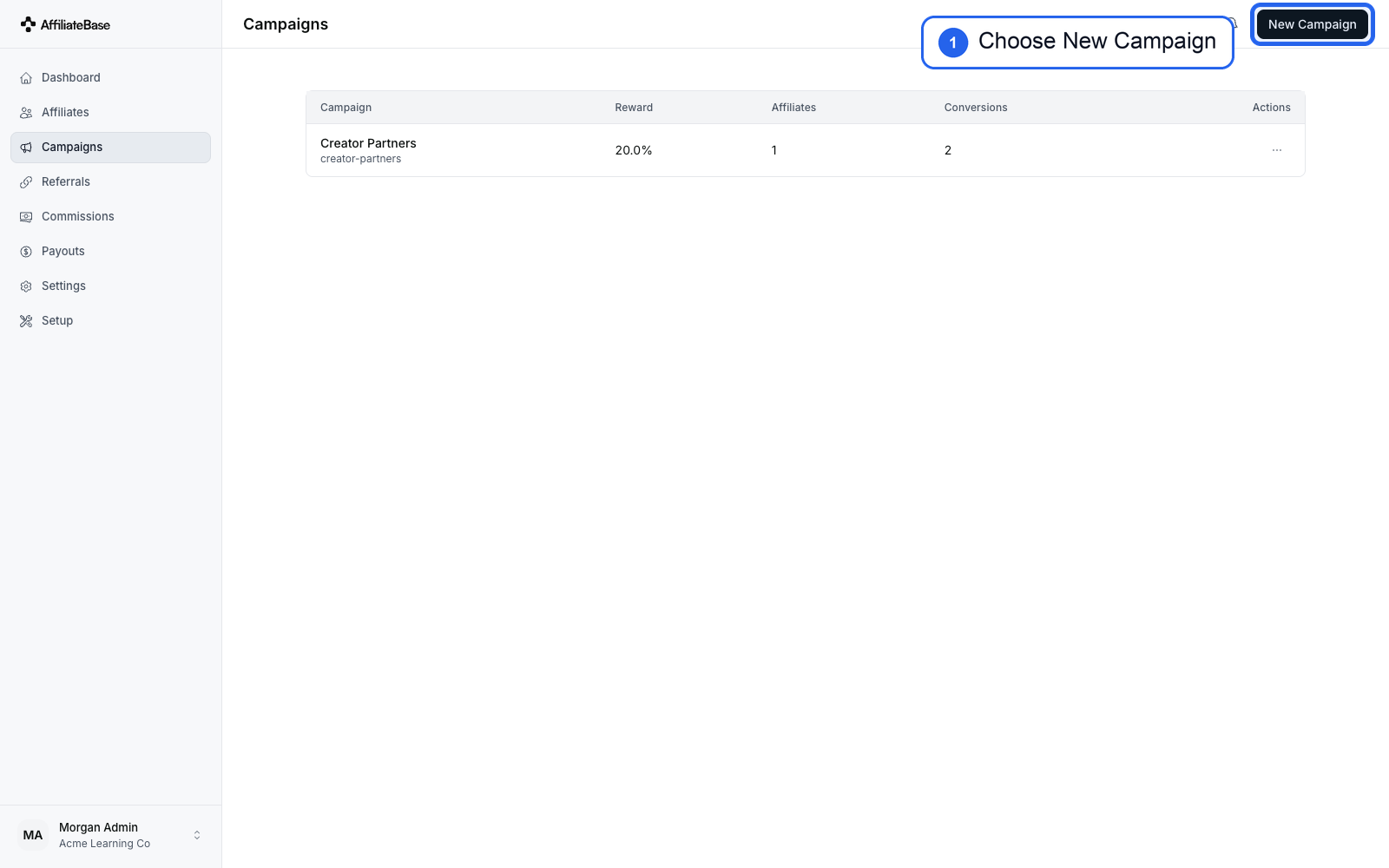
1. Create or Choose a Campaign
Open Campaigns and choose an existing campaign, or select New Campaign.
Every affiliate link belongs to a campaign. The campaign controls the destination page, reward rules, attribution model, payout threshold, and timing settings.
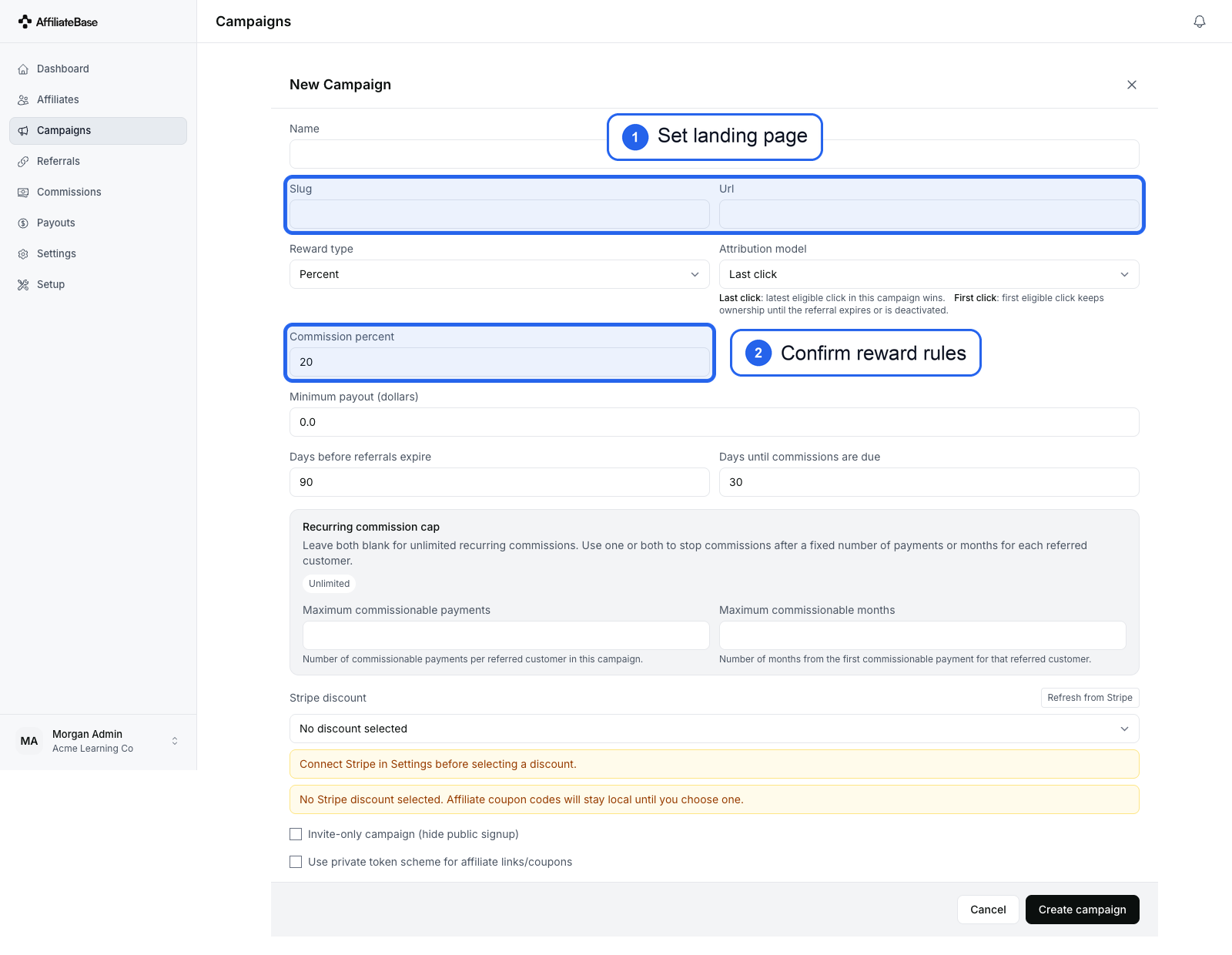
2. Set the Campaign Destination and Reward Rules
When creating a campaign, set the campaign name, landing page, reward type, commission settings, and payout timing.
The landing page is the destination customers reach when they use the affiliate’s referral link.
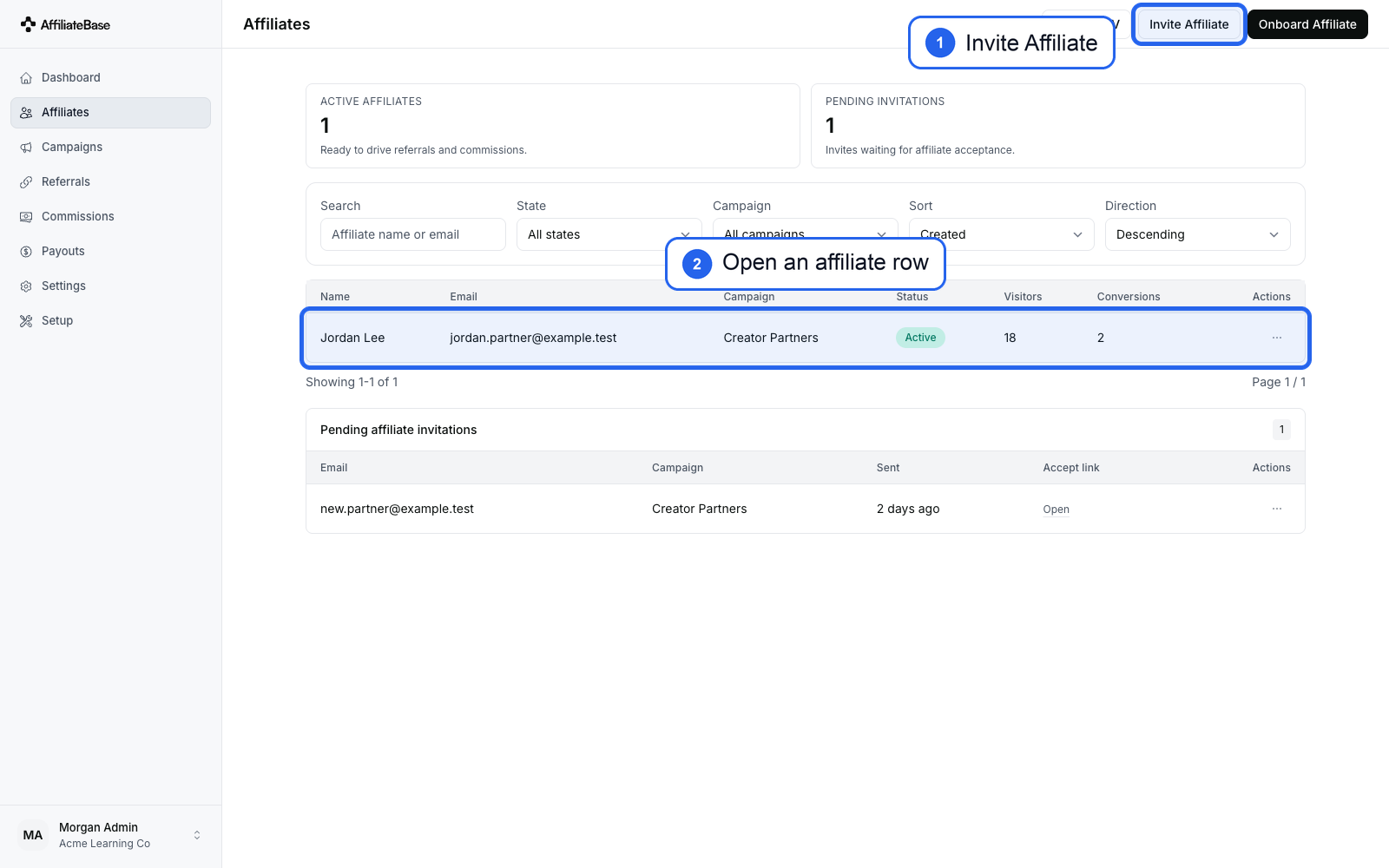
3. Invite or Open an Affiliate
Open Affiliates. From here you can:
- Select Invite Affiliate to send an invitation
- Select Onboard Affiliate to create the affiliate directly
- Open an existing affiliate row to view their generated link
You can also open the campaign’s Invitations tab and copy the Public signup link. Affiliates who join through that link are assigned to that campaign. Affiliates who join from the account-level affiliate portal are assigned to the account default campaign. An affiliate account belongs to one campaign at a time, so an existing affiliate who joins another campaign is moved to that campaign instead of getting a second active campaign profile.
Pending invitations stay visible on this page until the affiliate accepts or the invite is revoked.
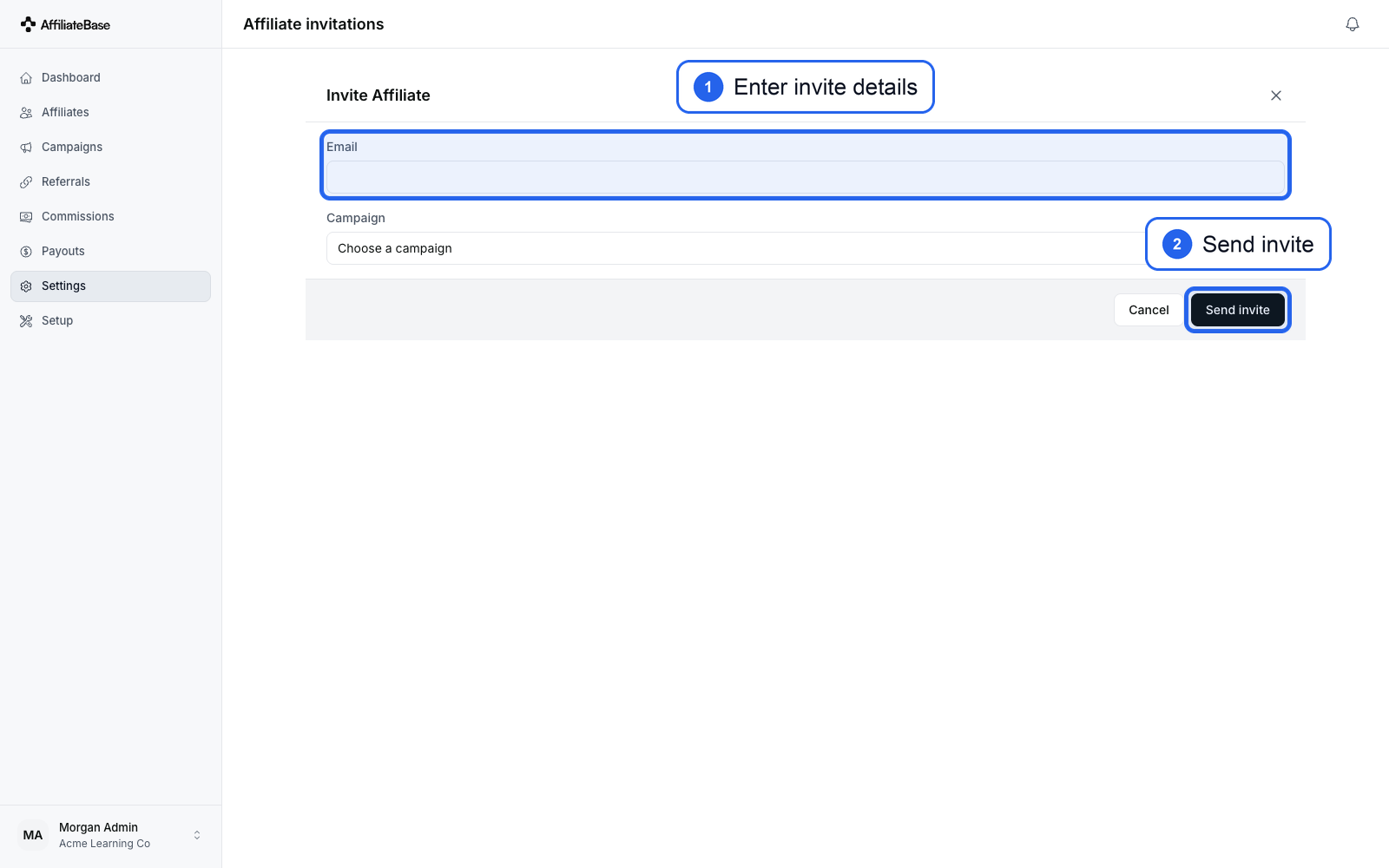
4. Send the Affiliate Invitation
On the invite form, enter the affiliate’s email address and choose the campaign they should join.
Select Send invite to send the invitation. The affiliate can accept the invite, create their login, and access their affiliate portal.
5. Find the Link as a Merchant
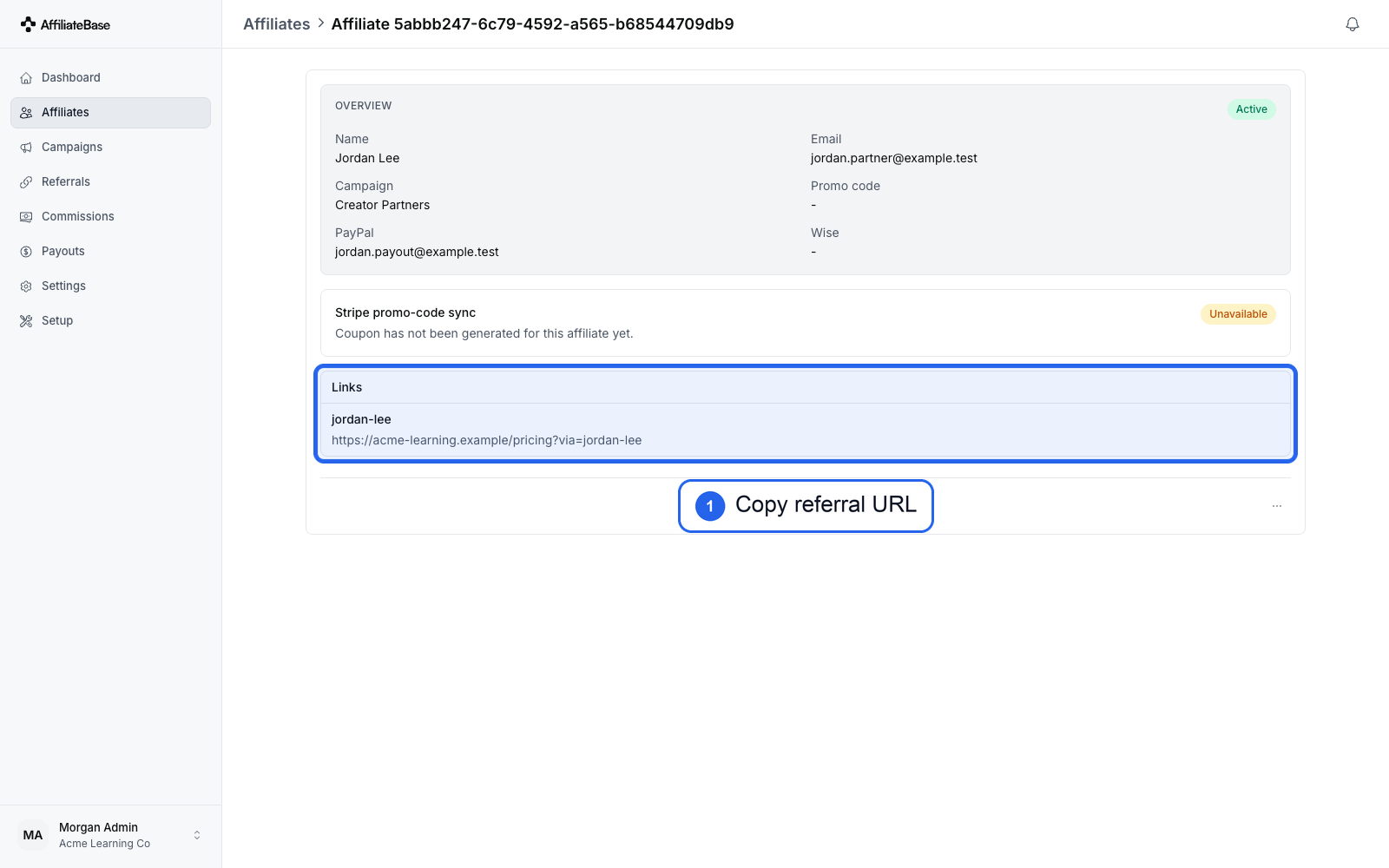
Open the affiliate record from the Affiliates page.
The affiliate’s generated referral URL appears under Links. You can copy this URL and send it to the affiliate if they need help finding it.
6. Copy the Link from the Affiliate Portal
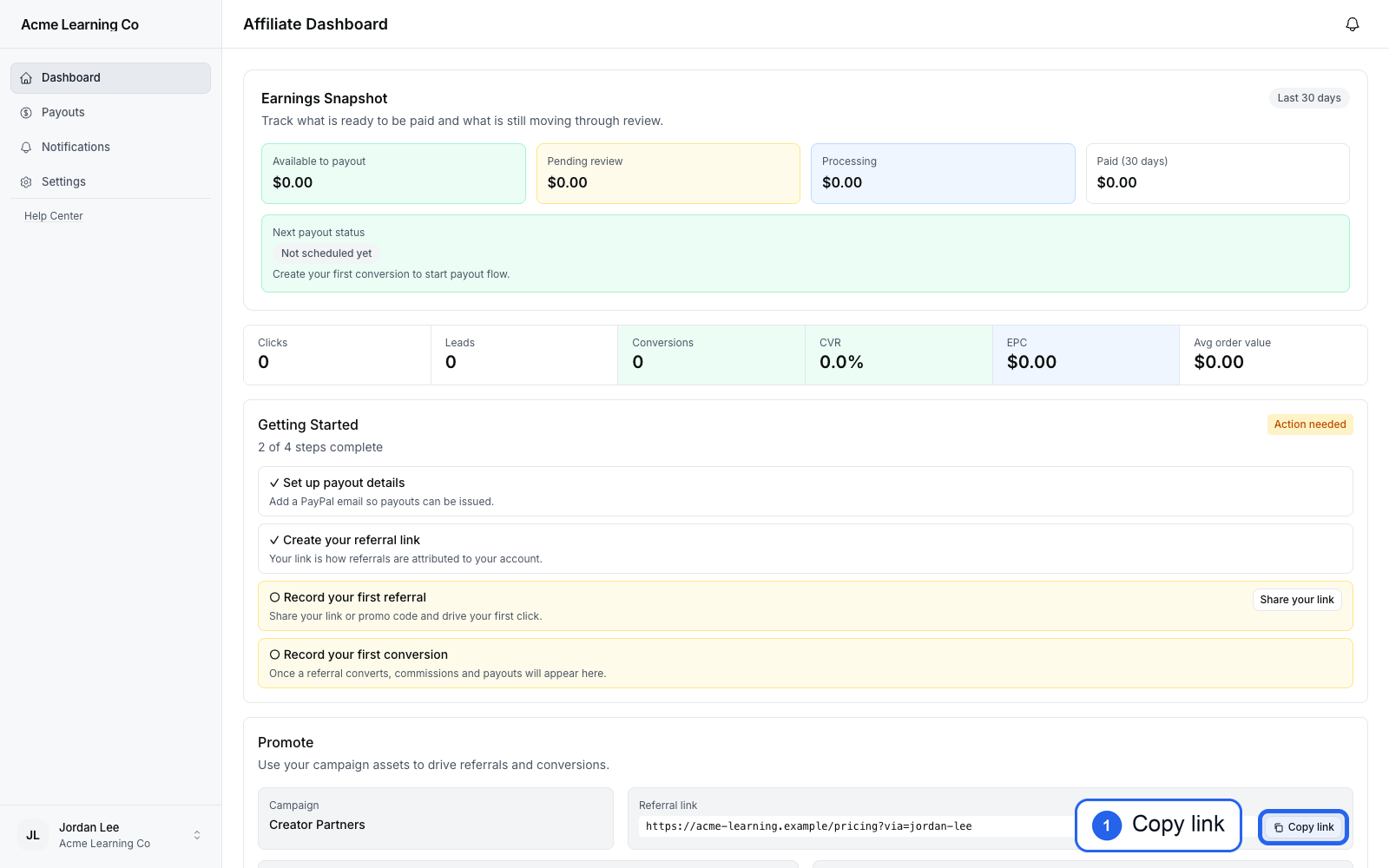
Affiliates can also sign in to their affiliate portal and open Promote.
The referral link appears next to the campaign. Select Copy link and share that URL with customers.
Short Version
- Create or choose a campaign.
- Share the campaign public signup link, invite the affiliate, or onboard the affiliate directly.
- Open the affiliate record and copy the URL under Links.
- Tell the affiliate they can also copy the same link from Promote in their affiliate portal.
Confirm the link is ready to share
Open the generated link in a private browser window and confirm it reaches the campaign destination with ?via= intact. Before affiliates promote it publicly, complete the tracking verification checklist.